 how-to
How to Reset Error Code on Samsung Dishwasher
Table of Contents
- Samsung Dishwasher Error Codes: What They Mean Before You Reset
- Safety Precautions Before Any Reset or Maintenance
- How to Reset Error Code on Samsung Dishwasher: Step-by-Step
- Samsung Dishwasher LC Error: Leak Sensor and Float Switch Fix
- Samsung Dishwasher 4C or 4E Error: Water Supply Problems
- Samsung Dishwasher OE Error: Drainage and Drain Pump Issues
- Model-Specific Reset Variations on Samsung Dishwashers
- Preventative Maintenance Checklist to Avoid Future Error Codes
- When to Call a Professional Appliance Technician
- Frequently Asked Questions
Last Updated: October 8, 2026
Samsung Dishwasher Error Codes: What They Mean Before You Reset
A flashing code on your Samsung dishwasher is not a death sentence. It is the machine telling you exactly what went wrong. Here at The Appliance Wizard, we talk homeowners through these codes every week, and most of them clear with a simple reset once you fix the underlying cause.
Learning how to reset error code on Samsung dishwasher models starts with understanding what each code means. Resetting without fixing the cause just brings the same code back.
Samsung dishwashers use short letter-and-number codes. Each one points to a specific system: water supply, drainage, or leak detection.
Common Codes at a Glance: LC, 4C, 4E, OE
Four codes cause most of the service calls we handle.
| Code | Meaning | Usual Cause |
|---|---|---|
| LC | Leak detected | Water in the base pan, float switch tripped |
| 4C | No water supply | Closed valve, kinked hose, low water pressure |
| 4E | Water supply fault | Same as 4C on many models |
| OE | Drain problem | Clogged filter, blocked hose, drain pump fault |
Samsung's own support documentation lists these same codes and their meanings for most models, so you can always cross-check your Samsung dishwasher error code guide if your display shows something unusual.
Now, before you touch anything, read the next section. It matters more than the reset itself.
Safety Precautions Before Any Reset or Maintenance
Cut the power and shut off the water before you open anything. That is the short version. Here is the full list.
Water and electricity do not mix, and a dishwasher has both. Skipping these steps risks shock, flooding, or a damaged control board.
- Unplug the dishwasher or flip its circuit breaker to OFF
- Close the water supply valve under the sink
- Let the machine sit for 10 minutes before opening the door
- Keep towels and a shallow pan nearby for residual water
- Never reach into the base pan while the unit is plugged in
Once the power is off and the water is closed, you are ready to reset.
How to Reset Error Code on Samsung Dishwasher: Step-by-Step
The standard reset is a power cycle: cut power for 60 seconds, restore it, and let the machine restart. This clears the fault memory. If the underlying problem is fixed, the code stays gone.
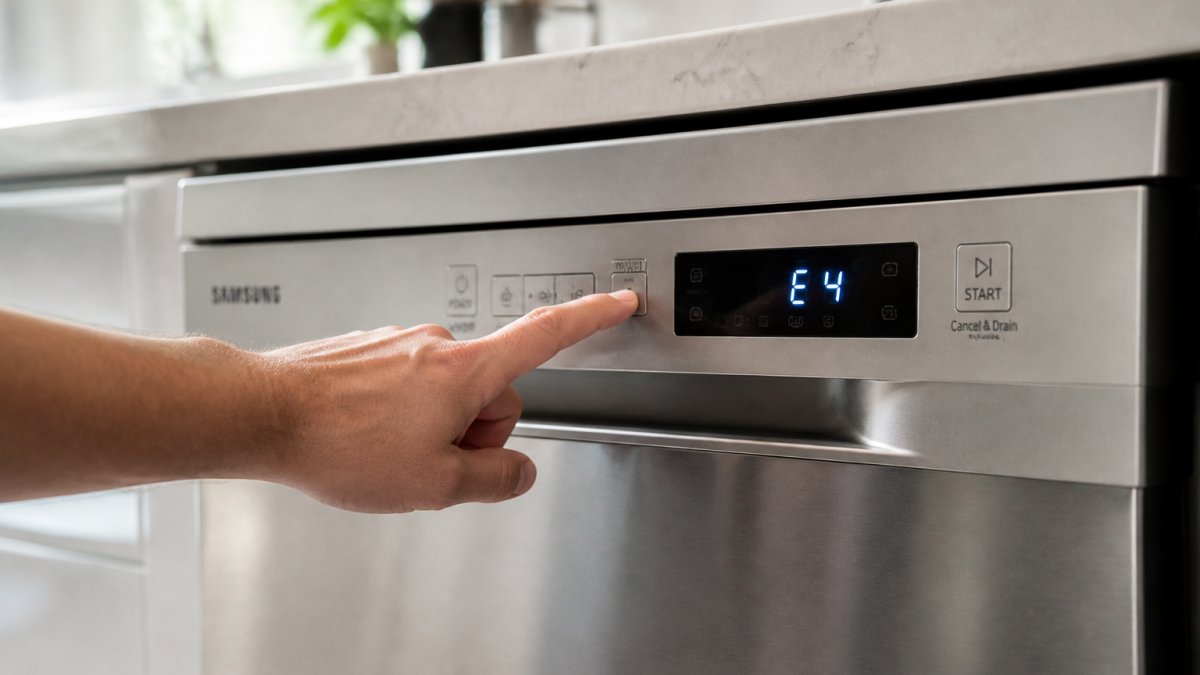
There are two ways to do this. Start with the soft reset. It is faster and fixes most temporary faults.
Soft Reset: Control Panel Method
A soft reset clears the error memory without touching your breaker box.
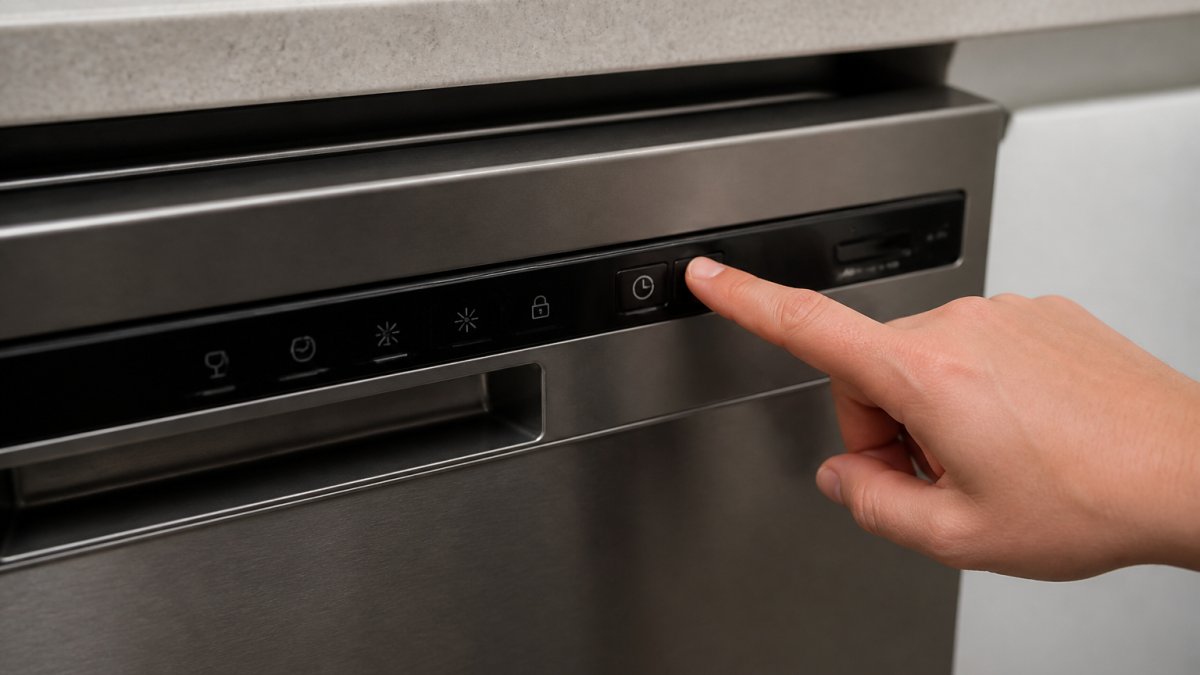
- Press and hold Start/Reset for 3 seconds
- Wait for the display to go blank
- Press Power to turn the unit back on
- Select a short cycle and press Start
- Watch the display for the first two minutes
If the code returns right away, the fault is still active. Move to the hard reset.
Hard Reset: Circuit Breaker Power Cycle
A hard reset cuts all power to the board, which clears deeper faults.
- Flip the dishwasher's circuit breaker to OFF
- Wait a full 60 seconds, not 10
- Flip the breaker back to ON
- Open the door, then close it firmly
- Press Power, then start a rinse cycle
The 60-second wait matters. Shorter waits often leave the board's memory intact, and the code comes right back.
Still seeing the code? The next three sections walk through the specific fixes, one code at a time.
Samsung Dishwasher LC Error: Leak Sensor and Float Switch Fix
An LC code means the leak sensor in the base pan has tripped. Water collects under the tub, lifts a float switch, and the machine shuts down to protect your floor.
This is the one code you should never ignore. A real leak can damage cabinets and subflooring fast.
Here is how to track it down:
- Pull the dishwasher out slightly and look for water in the base pan
- Check the door gasket for cracks or food debris
- Inspect the water inlet connections behind the unit
- Look at the float switch for debris holding it up
- Dry the base pan completely with a towel
Once the pan is dry and the float drops back down, run a hard reset. If the LC code returns within a cycle, you have an active leak that needs a technician.
Samsung Dishwasher 4C or 4E Error: Water Supply Problems
A 4C or 4E code means the dishwasher is not getting enough water. The machine fills for a set time, sees no water, and stops.
Check these before you reset:
- Confirm the water valve under the sink is fully open
- Look for a kinked or pinched inlet hose
- Check that the water supply is on elsewhere in the house
- Clean the inlet screen if it looks clogged with grit
On many Samsung models, 4C and 4E mean the same thing. Some units use 4C for a supply issue and 4E for a related fill fault, so check your official Samsung support page for your exact model number.
Fix the supply first, then run the hard reset. If the code clears and stays clear through a full cycle, you are done.
Samsung Dishwasher OE Error: Drainage and Drain Pump Issues
An OE code means the dishwasher cannot drain. Water sits in the tub, the cycle stops, and the display flashes OE.
Start with the filter. It is the cause more often than anything else.
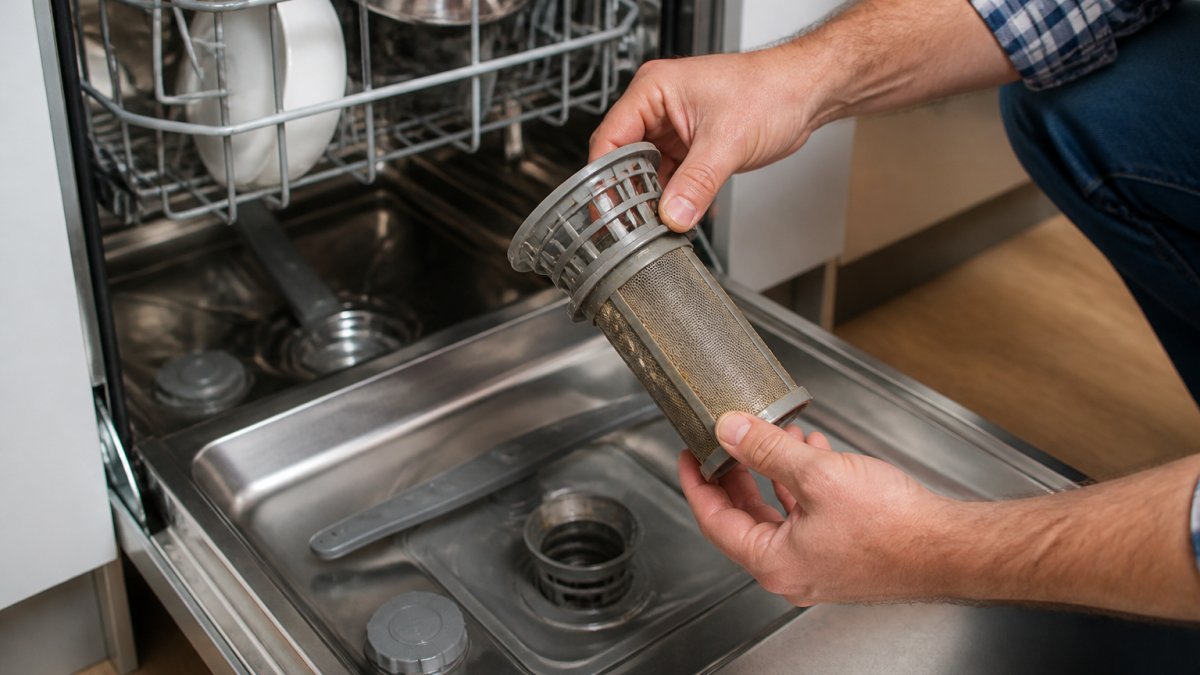
- Remove the bottom rack and twist out the filter
- Rinse it under warm water and check for grease buildup
- Look inside the sump for glass or food debris
- Check the drain hose under the sink for kinks
- Confirm the garbage disposal knockout plug is removed if newly installed
A clogged filter or blocked drain hose causes most OE codes. Clean both, then run a hard reset and a rinse cycle.
If the code returns and the filter is clean, the drain pump or the wiring harness may be failing. That points to a repair, not a reset.
Model-Specific Reset Variations on Samsung Dishwashers
Not every Samsung dishwasher resets the same way. Most guides skip this, and it is why some people press buttons for ten minutes with no result. The reset sequence depends on your control panel layout, not just the model year.
Here is a reference table for the most common control panel types. Match your panel to the row that fits, then follow the sequence.
| Control Panel Type | How to Identify It | Reset Sequence |
|---|---|---|
| Physical buttons with separate Start/Reset | Row of raised buttons, dedicated Start/Reset key | Press and hold Start/Reset for 3-5 seconds until the display clears |
| Touch display with integrated Start | Flat glass panel, no raised buttons, Start key doubles as Reset | Press and hold Start for 3 seconds, then press Power to restart |
| Touch display with cycle dial | Rotating dial plus touch keys | Turn the dial to Reset, then press Start |
| SmartThings-connected models | Wi-Fi icon on the panel or app pairing | Run a power cycle at the breaker, then open the SmartThings app and run Self-Check |
| Older models with mechanical timer | Physical knob that clicks through cycles | Turn the knob to Off, wait 60 seconds, then turn to a rinse cycle |
If your buttons do not respond at all, try the hard reset at the breaker first. A frozen control panel often wakes up after a full power cycle. On touch panels, a stuck key can also mimic a dead panel; wipe the panel dry and try again before assuming a board failure.
When in doubt, the Samsung user manual library has the exact reset steps for your model number. It takes two minutes to check and saves a lot of guessing.
Preventative Maintenance Checklist to Avoid Future Error Codes
Most error codes come back because the cause never got fixed. A short routine prevents that, but the timing and the products matter. Here is a checklist tied to the specific codes each task prevents.
Run through this list on the schedule shown:
- Monthly: Rinse the filter under warm water and scrub it with a soft brush. Grease and food film build up faster than most people expect. This is the single biggest preventer of OE codes.
- Monthly: Wipe the door gasket with a damp cloth and check the fold for debris. A gasket that does not seal lets water escape into the base pan, which trips the LC float switch.
- Every 2-3 months: Run a hot cycle with a dishwasher cleaner. Use a citric-acid-based cleaner rather than a bleach-based one; bleach can degrade rubber seals over time. This dissolves the mineral scale that clogs the inlet screen and contributes to 4C and 4E codes.
- Every 2-3 months: Check the drain hose under the sink for kinks or a low loop. The hose should loop up above the disposal connection to prevent backflow. A sagging hose is a common hidden cause of OE codes.
- Every 6 months: Confirm the water valve under the sink is fully open and not partially closed from a previous repair. A half-open valve reduces fill pressure and can trigger 4C.
- Every 6 months: Look for water in the base pan with a flashlight. Even a small amount means the float switch is close to tripping.
- Annually: Inspect the inlet screen on the water valve for grit and mineral buildup. A clogged screen restricts flow and mimics a supply problem.
Ten minutes a month is cheaper than a service call. If you follow this schedule and still see the same code return, the issue is likely a failing component rather than maintenance neglect.
When to Call a Professional Appliance Technician
Call a technician when the code returns after a proper reset and the obvious fixes. Some faults need parts, not patience.
Reach for the phone if you see any of these:
- The same code returns after two hard resets
- You find standing water in the base pan
- The drain pump runs but nothing drains
- The control panel is dead or flickering
- You smell burning near the wiring harness
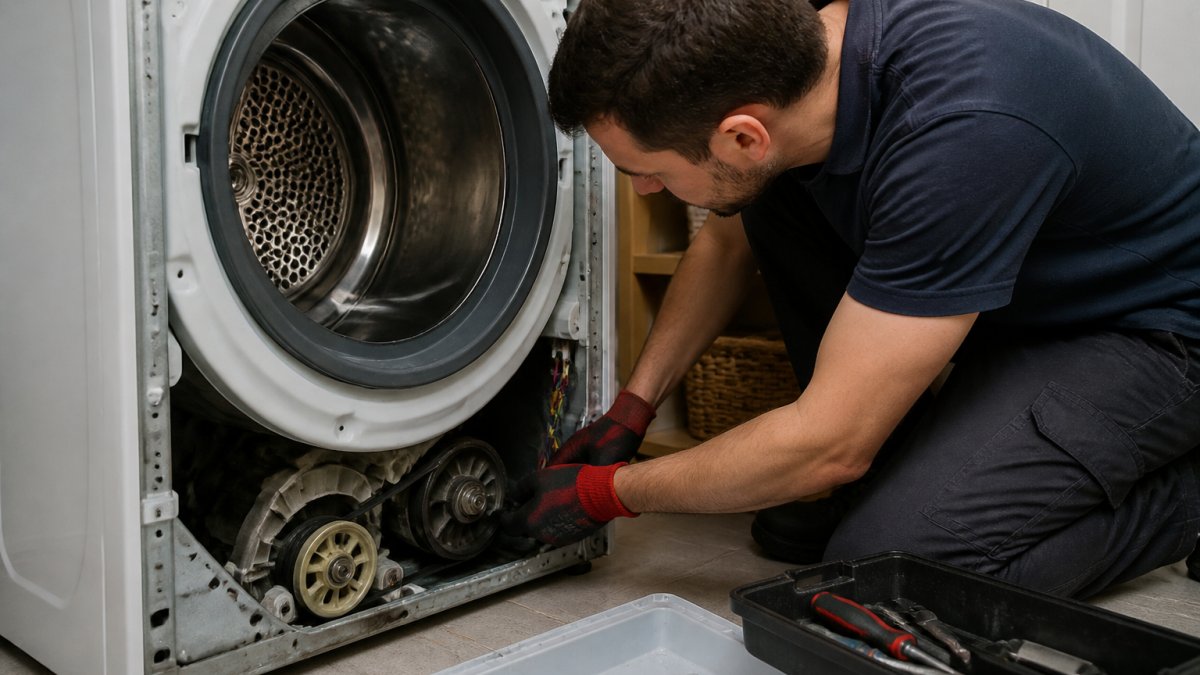
Our factory-trained, certified technicians at The Appliance Wizard handle in-home repair across most major makes and models. If a part has failed, we stock genuine replacement parts and can often fix it on the first visit.
Frequently Asked Questions
How do I reset the error code on my Samsung dishwasher?
Press and hold the Start/Pause button for 3 to 5 seconds to clear most error codes. If the code stays on the display, turn off the dishwasher at the circuit breaker for 60 seconds, then restore power. This hard reset clears the control board memory. If the same code returns immediately after either reset, the underlying fault is still present and needs diagnosis before the reset will stick.
What does the LC error mean on a Samsung dishwasher?
LC stands for Leakage Check. The moisture sensor or float switch in the base pan has detected water where it should not be. Unplug the dishwasher or cut power at the breaker, then tilt the unit slightly to drain the base pan. Check the door gasket, water inlet connections, and drain hose for drips. Once the base pan is dry and the leak source is fixed, a hard reset should clear the code.
What should I do if my Samsung dishwasher shows a 4C or 4E error?
Both codes point to a water supply problem. Confirm the shutoff valve under the sink is fully open and that the water inlet hose is not kinked behind the unit. Check the inlet filter screen for debris and rinse it under running water. If the home has been without water recently or the valve was closed for repairs, the dishwasher may simply need a power cycle after water pressure returns.
When should I call a technician instead of resetting the dishwasher?
Call a technician if the same error code returns within one or two cycles after a hard reset, if you see standing water in the tub that will not drain, or if you smell burning near the control panel. Wiring harness faults, drain pump failures, and control board issues are not reset problems. A certified technician can run a diagnostic and confirm whether the fix is a part replacement or a board-level repair.
A flashing error code is frustrating, but it is rarely the end of your dishwasher. Most codes clear once you fix the cause and run a proper reset. When a fault keeps coming back, that is your signal to bring in help. The Appliance Wizard offers expert troubleshooting, in-home repair, and genuine replacement parts, plus a price match and flexible financing if you decide to replace the unit. Get started with The Appliance Wizard and get your kitchen back to normal.