 ultimate-guide
Smart Home Energy Monitoring: Benefits & Setup Guide
Table of Contents
- What Smart Home Energy Monitoring Does
- Real-Time Monitoring and Usage Patterns
- How to Monitor Electricity Usage at Home
- Smart Meter vs. Home Energy Monitor: What's the Difference
- Understanding Appliance Energy Consumption
- Ways to Reduce Electricity Use Based on Your Data
- Costs, Savings, and Return on Investment
- Privacy, Security, and Data Accuracy Concerns
- Getting Started With Smart Home Energy Monitoring
- Frequently Asked Questions
Last Updated: October 14, 2026
What Smart Home Energy Monitoring Does
Smart home energy monitoring is the practice of tracking your household's electricity usage in real time, identifying which appliances consume the most power, and using that data to reduce consumption and lower your bills. At The Appliance Wizard, we help homeowners understand that this isn't just about seeing numbers on a screen, it's about making informed decisions that affect your monthly costs and environmental footprint.
A home energy monitor gives you visibility into patterns you'd otherwise miss. You might discover that your refrigerator cycles on far more than expected, or that running your dishwasher during peak-rate hours costs significantly more than running it at night. These insights let you adjust behavior, shift usage timing, or replace inefficient equipment.
The real value emerges when you move from passive observation to active management. Many homeowners find that simply knowing their consumption patterns changes how they operate their homes, without any hardware upgrades.
Real-Time Monitoring and Usage Patterns
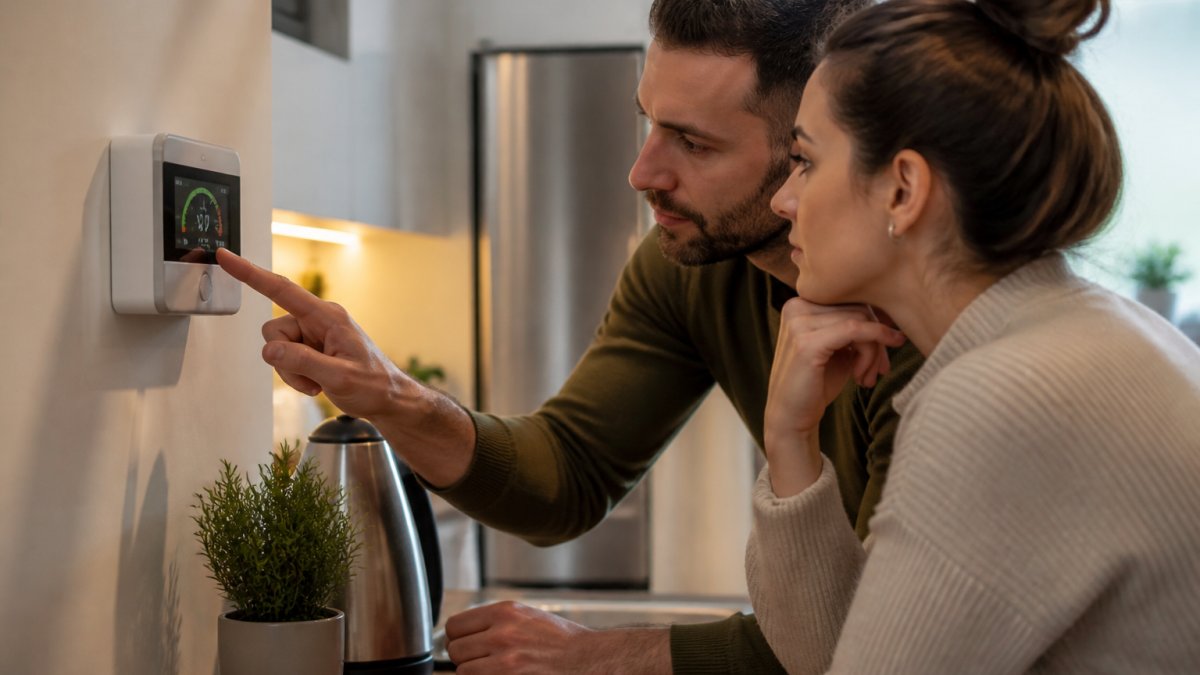
Real-time monitoring shows you electricity demand as it happens, breaking down consumption by circuit, appliance, or room. This granular visibility reveals patterns monthly utility bills never could.
Most households have significant variance in power demand throughout the day. Peak hours typically occur in early morning and evening when heating, cooling, and cooking demand align. Off-peak hours offer lower rates in many regions. A real-time monitor lets you see exactly when your home's demand spikes and which appliances drive those spikes.
Understanding these patterns is where behavior change begins. When you see your electric oven drawing 5 kilowatts for 45 minutes, or your air conditioner cycling continuously on a hot day, you develop intuition about energy cost. You start asking questions: Can I preheat the oven less? Can I adjust the thermostat by a few degrees? Can I shift laundry to a cooler part of the day?
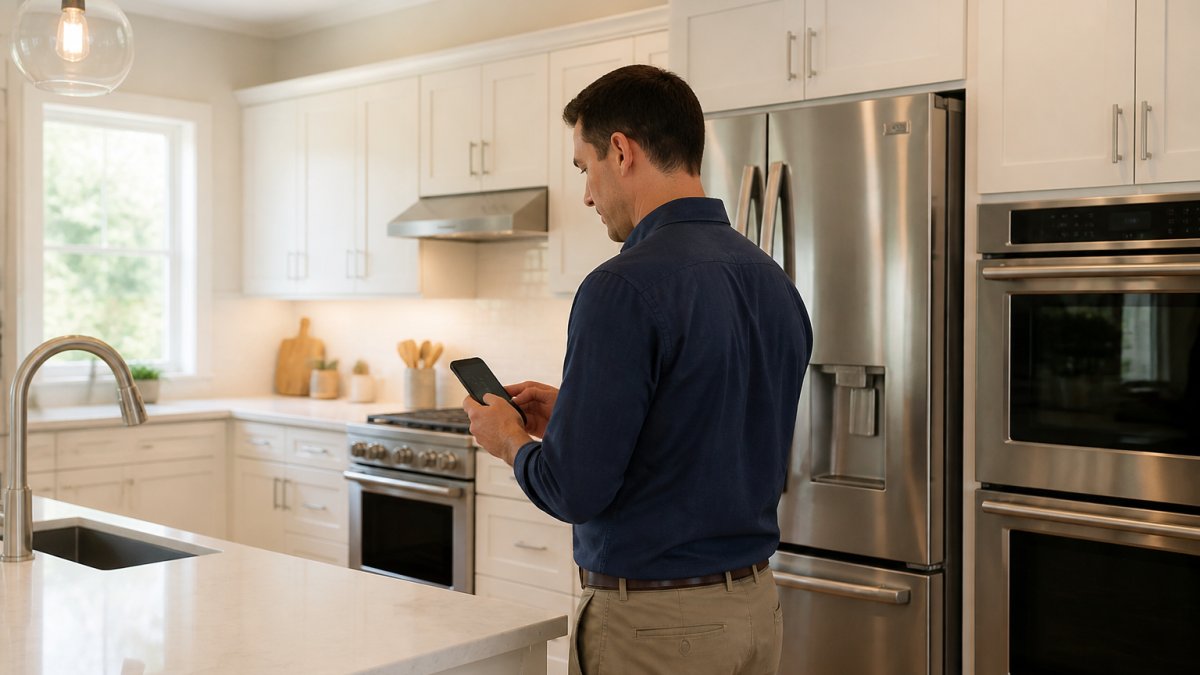
Some utilities now offer time-of-use rates, where electricity costs more during peak demand hours and less during off-peak windows. Real-time monitoring becomes essential under these plans, you can see exactly when rates shift and plan high-consumption tasks accordingly.
How to Monitor Electricity Usage at Home
There are two primary approaches: smart meters provided by your utility, and dedicated home energy monitors you install yourself.
Smart meters are installed by your utility company and measure total household consumption. They communicate usage data to the utility, and many utilities now offer online portals where you can view consumption by hour or day. This approach requires no action on your part, the meter is already in place for most homes.
Home energy monitors are aftermarket devices you purchase and install. They typically clip around your main electrical service line (or individual circuits) and transmit wireless data to a hub and app. These devices offer more granular data, showing which specific appliances or circuits are consuming power, not just total household usage.
The choice depends on your goals. If you want a broad view of total consumption and your utility offers good online reporting, a smart meter suffices. If you want to identify which specific appliances are energy hogs, a dedicated monitor is necessary.
Installation of a dedicated monitor typically takes 30 minutes to an hour. Most homeowners can handle it themselves, though some prefer a certified technician to ensure accuracy and safety. At The Appliance Wizard, we offer professional installation for customers purchasing smart-enabled appliances, ensuring everything connects properly to your home network.
Smart Meter vs. Home Energy Monitor: What's the Difference
A smart meter measures total electricity flowing into your home. It's installed by your utility at the service entrance and communicates usage data back to the utility via wireless or cellular connection. You access data through your utility's online portal, typically seeing hourly or daily totals.
A home energy monitor measures electricity at the circuit or appliance level. You install it yourself (or hire a technician), and it collects granular data that flows to your personal app or dashboard, showing real-time watts, historical trends, and appliance-by-appliance breakdowns.
The key difference: smart meters show you the big picture; dedicated monitors show you the details.
Smart meters are sufficient if you want to track total usage trends and take advantage of time-of-use rates. They require no installation effort and no ongoing maintenance, but they don't identify which appliances consume the most energy.
Dedicated monitors excel at identifying energy waste. They show you that your older refrigerator is drawing 800 watts continuously while your newer model uses 300 watts, or that your electric water heater accounts for 30% of total consumption. This level of detail drives targeted action.
Many homeowners use both: they monitor total consumption via their smart meter and drill into details with a dedicated monitor when investigating specific high-usage periods.
Understanding Appliance Energy Consumption
Different appliances consume vastly different amounts of electricity. Understanding these differences helps you prioritize which changes will have the biggest impact on your bill.
High-consumption appliances typically include air conditioning, electric heating, water heaters, and large refrigerators. These three categories often account for 50-60% of total household electricity use. An air conditioner running continuously on a hot day can draw 3-5 kilowatts. An electric water heater draws 4-5 kilowatts while heating.
Moderate-consumption appliances include ovens, clothes dryers, dishwashers, and washing machines. These draw 2-5 kilowatts while operating but run intermittently, so their total daily consumption is lower than HVAC or water heating.
Low-consumption appliances include refrigerators, televisions, computers, and lighting. While individual devices draw modest power (100-800 watts), they often run continuously or for many hours daily, so cumulative consumption adds up.
The efficiency of any appliance depends on its age, design, and maintenance. An older refrigerator can use twice the electricity of a modern ENERGY STAR model, a clothes dryer with a clogged vent works harder, and a water heater with sediment buildup loses efficiency.
When you monitor actual consumption, you often discover that an appliance you assumed was efficient consumes more than expected, or vice versa. This real data lets you make replacement decisions based on facts rather than assumptions.
Ways to Reduce Electricity Use Based on Your Data
A monitor only pays off when you convert its readings into a repeatable workflow. The steps below turn raw watts and kilowatt-hours into decisions you can measure.
Step 1: Establish a baseline before you change anything. Pick a representative week and record total consumption in kilowatt-hours (kWh) from your monitor or utility portal. Note the daily high and low, the hours when demand peaks, and the outdoor temperature range. Without a baseline, you cannot tell whether a change helped or whether the weather simply shifted.
Step 2: Attribute load to specific circuits or appliances. On a circuit-level monitor, watch the live watt reading while you turn one appliance on and off. A refrigerator compressor typically cycles between roughly 100 and 800 watts depending on age and size; an electric resistance water heater often draws 4,000-5,000 watts while its element is energized; a central air conditioner commonly draws 3,000-5,000 watts while the compressor runs. Matching a wattage signature to a circuit tells you what is on that breaker.
Step 3: Separate always-on load from cycling load. Always-on load is the wattage that never drops to zero: standby electronics, network equipment, garage door openers, and similar devices. Cycling load is the intermittent draw from compressors, heating elements, and motors. Always-on load is the easier target because it runs 24 hours a day, so a 50-watt always-on load costs roughly the same each month regardless of season, while a cycling load scales with runtime.
Step 4: Convert watts to dollars. Multiply watts by hours of runtime, divide by 1,000 to get kWh, then multiply by your utility's rate per kWh from your bill. A 1,500-watt space heater run four hours a day uses 6 kWh daily; at $0.16 per kWh that is about $0.96 per day, or roughly $29 per month. Running the same math on each high-consumption device shows which one is worth attacking first.
Step 5: Change one variable at a time and re-measure. Shift a single load, adjust one thermostat schedule, or replace one appliance, then compare the next comparable week against your baseline. Weather-normalize by comparing weeks with similar outdoor temperatures, or use heating and cooling degree days from a public weather source. If the change did not move the number, the load you targeted was not the driver.
Step 6: Prioritize by cost per kWh saved, not by effort. Rank opportunities by how many kWh each removes per month and how much it costs to implement. Behavioral changes (shifting runtime, adjusting setpoints) usually cost nothing and can be tested immediately. Equipment changes cost money but often remove load permanently, so they tend to win on lifetime cost even when the upfront price is higher.
Step 7: Watch for the rebound effect. Efficiency gains can be partially erased if the household uses the saved capacity for something else, such as running the air conditioner to a lower setpoint because the bill dropped. Track total kWh, not just the efficiency of one device, to confirm the savings survived.
Step 8: Automate what you have already proven works. Once a schedule or setpoint change shows a real reduction, move it to a smart plug, thermostat schedule, or appliance timer so it happens without daily attention. Automation locks in the behavior and removes the risk that a busy week undoes your progress.
Costs, Savings, and Return on Investment
The financial case for monitoring is not a fixed number. It depends on your electricity rate, your baseline consumption, how much of that consumption is controllable, and how consistently you act on the data. The framework below lets you estimate your own return instead of relying on a generic percentage.
What you pay for. Utility smart meters are provided and installed by the utility at no direct charge, and usage data is typically available through the utility's online account. Aftermarket monitors fall into three rough tiers: whole-home units that read the main service conductors, circuit-level units that read individual breakers, and plug-level devices that sit between an outlet and a single appliance. Whole-home and circuit-level hardware generally runs from about $100 to $400, with multi-circuit and premium systems costing more. Plug-level monitors are inexpensive per unit but only cover what you plug into them. Professional installation adds a labor charge that varies by electrician and panel complexity.
What you can realistically save. Savings come from two sources: behavioral change (shifting or reducing runtime) and equipment change (replacing an inefficient load). Behavioral savings depend on how much of your load is discretionary. A household whose usage is dominated by heating and cooling in extreme weather has less room to shift than one with heavy laundry, dishwashing, and plug loads. Equipment savings depend on the gap between the old device and its replacement. A refrigerator that draws 800 watts continuously and one that draws 300 watts differ by roughly 500 watts of continuous load, which at $0.16 per kWh is on the order of $0.08 per hour, or about $58 per month if both ran continuously. Real refrigerators cycle, so actual savings are lower, but the direction and rough scale hold.
How to estimate your own payback. Follow these steps:
- Pull your last 12 months of kWh usage and total billed amount from your utility to find your effective rate per kWh.
- Identify the share of your usage that is controllable (plug loads, laundry, dishwashing, water heating schedule) versus fixed (baseline refrigeration, always-on electronics).
- Estimate a realistic reduction on the controllable share, not on total usage. A 10% cut to a controllable share that is 40% of your bill is a 4% cut to the total.
- Multiply that reduction by your annual kWh and your effective rate to get annual dollar savings.
- Divide the monitor's total cost (hardware plus any installation) by the annual savings to get payback in years.
Why the range is wide. Two households can buy the same monitor and see very different results. A household with a high electricity rate, a large controllable load, and consistent follow-through will recover the cost faster than one with a low rate, a small controllable load, or irregular attention to the data. Time-of-use rates widen the spread further, because shifting a load from on-peak to off-peak can change the cost of that same kWh without changing total consumption at all.
Where the return is largest. The biggest single wins usually come from identifying a load that runs far more than the household assumed, such as a failing refrigerator, a water heater with a stuck element, or a HVAC system short-cycling. These are cases where the monitor pays for itself by revealing a problem, not by nudging habits.
What monitoring does not do. It does not lower your rate, reduce consumption by itself, or guarantee any specific percentage. Treat any claimed savings figure as a hypothesis to test against your own baseline.
Privacy, Security, and Data Accuracy Concerns
Smart energy monitoring involves collecting data about your electricity usage patterns, which some homeowners view as a privacy concern. Understanding these risks helps you make informed decisions.
Smart meters communicate usage data to your utility company, which uses it for billing, grid management, and infrastructure planning. Most utilities have privacy policies governing data use and retention. Review your utility's policy to understand what data is collected, how long it's retained, and who can access it.
Dedicated home energy monitors collect data locally on your home network. Data typically flows to the manufacturer's cloud service, where you access it via app or web portal. Review the manufacturer's privacy policy to understand data handling practices. Many reputable manufacturers encrypt data in transit and at rest, and allow you to delete historical data.
Security concerns center on the possibility of unauthorized access to your home network through poorly secured energy monitors. Mitigate this risk by:
- Using strong passwords for your monitor's app and account
- Keeping monitor firmware updated
- Placing the monitor on a separate network segment if possible
- Choosing monitors from manufacturers with strong security track records
Data accuracy is another consideration. Smart meters and dedicated monitors are generally accurate within 1-2%, but wiring configuration, load imbalance, or device age can introduce small errors. For most purposes, this is sufficient for identifying consumption patterns and making behavioral decisions. If you need calibrated measurement for legal or contractual purposes, consult a professional electrician.
Getting Started With Smart Home Energy Monitoring
Beginning with smart home energy monitoring requires just a few steps.
First, check what your utility offers. Contact your utility or visit their website to learn whether you have a smart meter installed, what data they provide online, and whether they offer time-of-use rates. This is free and requires no action beyond logging into your utility account.
Second, decide whether a dedicated monitor adds value. If your utility's smart meter data is sufficient, you may not need an additional device. If you want appliance-level detail or real-time data your utility doesn't provide, a dedicated monitor makes sense.
Third, choose a monitor that fits your needs. Entry-level monitors measure total household consumption. Mid-range monitors measure individual circuits. Premium systems measure individual appliances. Prices and complexity increase accordingly. Consider your technical comfort level and specific goals when choosing.
Fourth, install the monitor or hire a professional. Most dedicated monitors clip around your main service line and connect wirelessly to a hub. Installation typically takes 30-60 minutes. If you're uncomfortable working near your electrical panel, hire a certified electrician. At The Appliance Wizard, we can help you choose a monitor compatible with smart appliances you may purchase.
Finally, establish a routine for reviewing data. Set a weekly or monthly reminder to check consumption trends, look for unusual spikes, compare usage across time periods, and identify opportunities for reduction. The data is only valuable if you act on it.
Smart home energy monitoring transforms your home's electricity consumption from an invisible expense into a visible, manageable resource. Whether you start with your utility's free smart meter data or invest in a dedicated monitor, the insights you gain let you make informed decisions about appliance replacement, behavior change, and energy efficiency improvements. At The Appliance Wizard, we help homeowners understand how modern, efficient appliances integrate with energy monitoring systems to deliver both comfort and cost savings. Visit our showrooms in Marion or Carbondale, or explore our online inventory at www.theappliancewizard.com to discover smart appliances that work with your monitoring setup.
| Monitoring Approach | Cost | Data Detail | Best For |
|---|---|---|---|
| Smart Meter (Utility) | Free | Total household usage | Broad consumption tracking |
| Dedicated Monitor | $100-$400 installed | Circuit or appliance-level | Identifying high-consumption devices |
| Combined Approach | $100-$400 | Both total and detailed | Maximum insight and control |
U.S. Energy Information Administration's guide to home energy management
ENERGY STAR program resources for efficient appliances
Federal Trade Commission guidance on energy-efficient products
Frequently Asked Questions
How much can smart home energy monitoring actually reduce my electricity bill?
Savings vary based on your baseline usage and how actively you respond to the data. Real-time monitoring helps you avoid peak-demand periods and catch inefficient appliances before they waste money. Your actual savings depend on your current habits, local electricity rates, and the monitoring equipment you choose.
What's the difference between a smart meter and a home energy monitor?
Your utility company provides a smart meter that measures total household electricity consumption and sends data to them. A home energy monitor is a device you install to track real-time usage at the circuit or appliance level, giving you detailed breakdowns your smart meter cannot. Smart meters show aggregate data; home energy monitors reveal which specific appliances consume the most electricity. Many homeowners use both for complete visibility.
Can smart home energy monitoring work with solar panels or batteries?
Yes. Advanced monitoring systems integrate with solar arrays and battery storage to show how much energy you're generating, storing, and using. This integration helps optimize when you consume power from the grid versus stored energy, maximizing your solar investment. If you're considering renewable energy, monitoring equipment that supports solar integration will give you the clearest picture of your energy independence and financial returns.
Is my energy data private when I use a home energy monitor?
Data privacy depends on the manufacturer and whether your monitor connects to the cloud. Local-only monitors that don't transmit data offer the highest privacy. Cloud-connected systems should encrypt data, but review the manufacturer's privacy policy before purchasing. Check whether the company shares anonymized usage data with third parties, and confirm they allow you to delete your information anytime.